

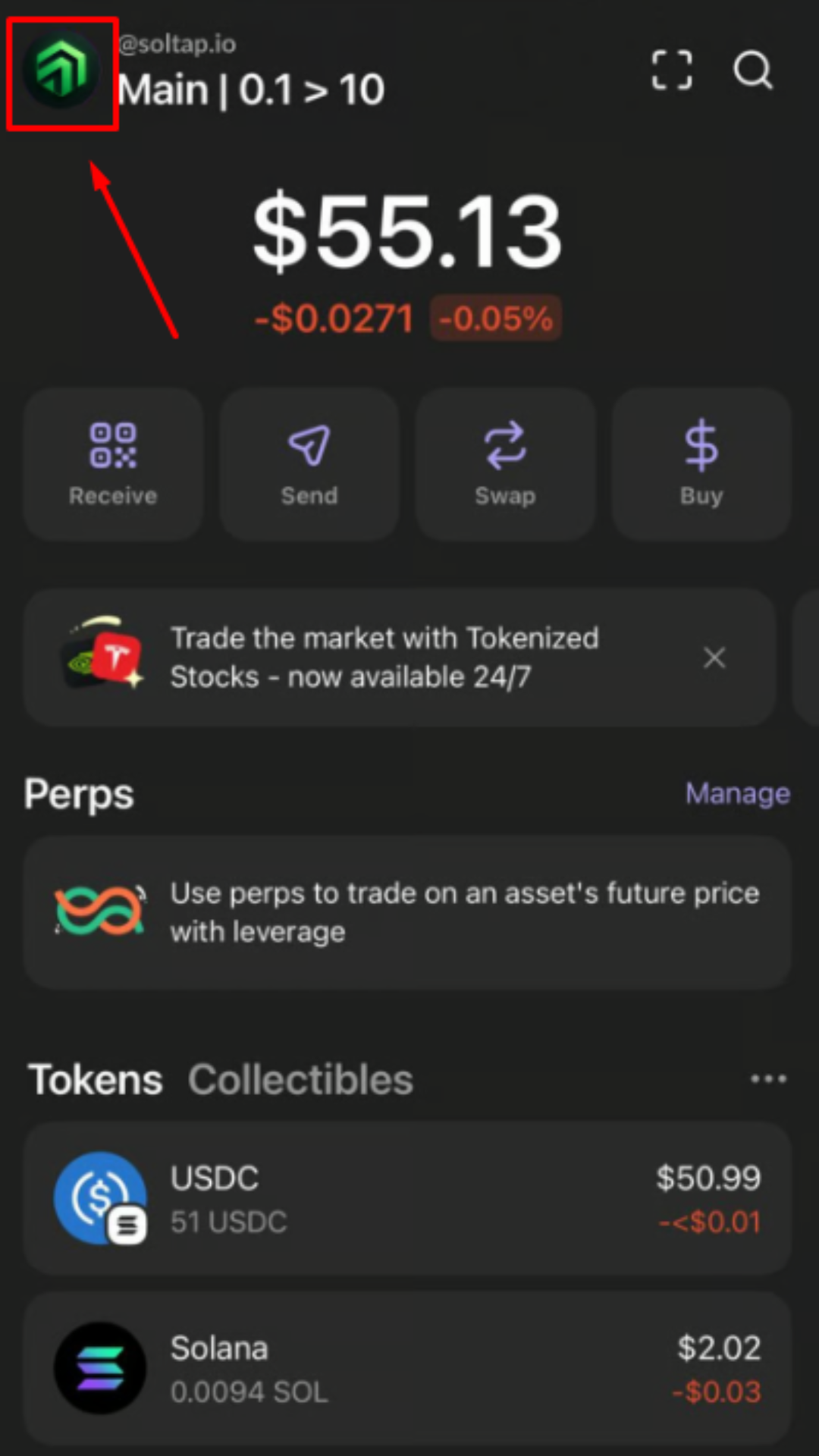
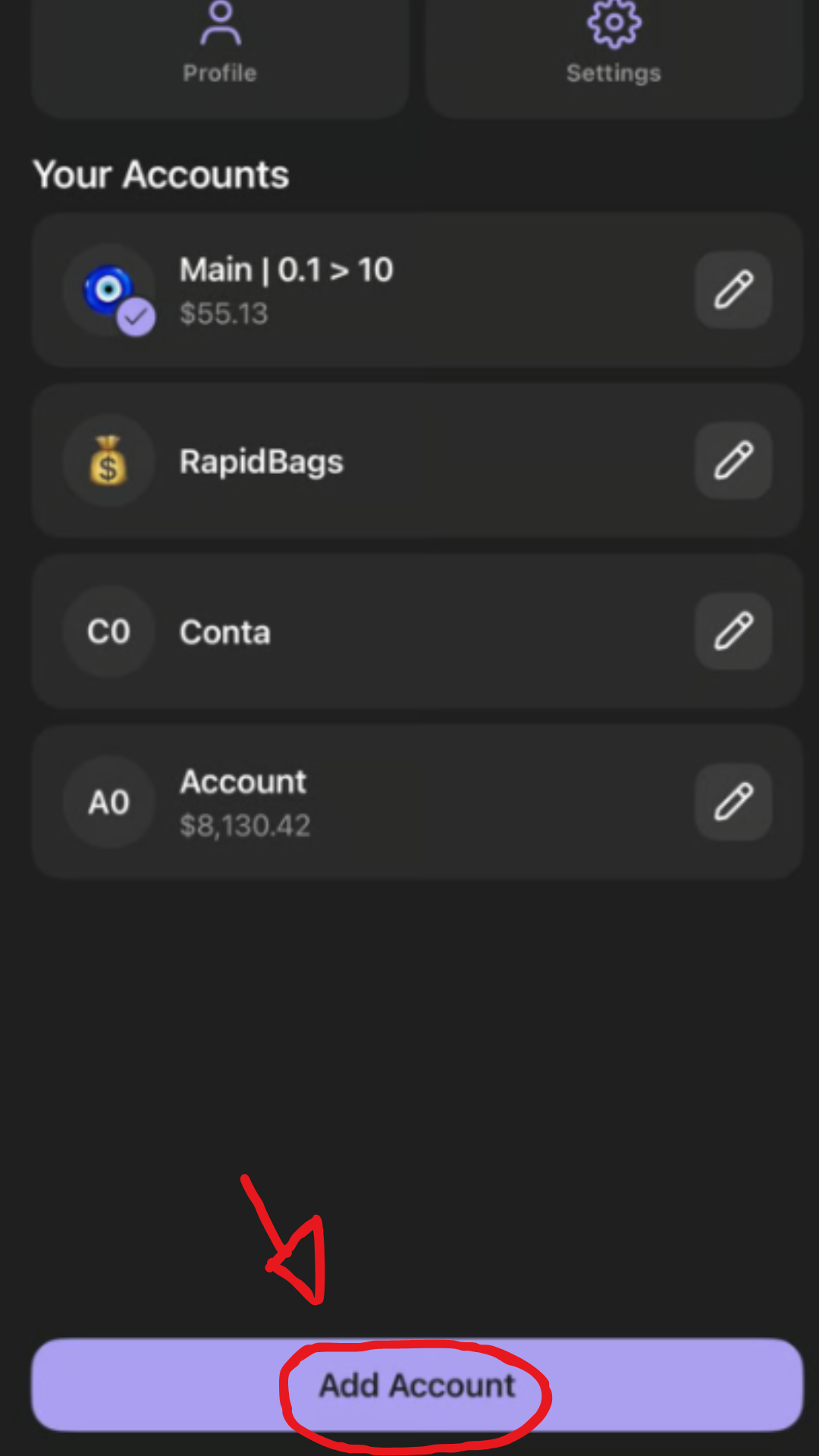
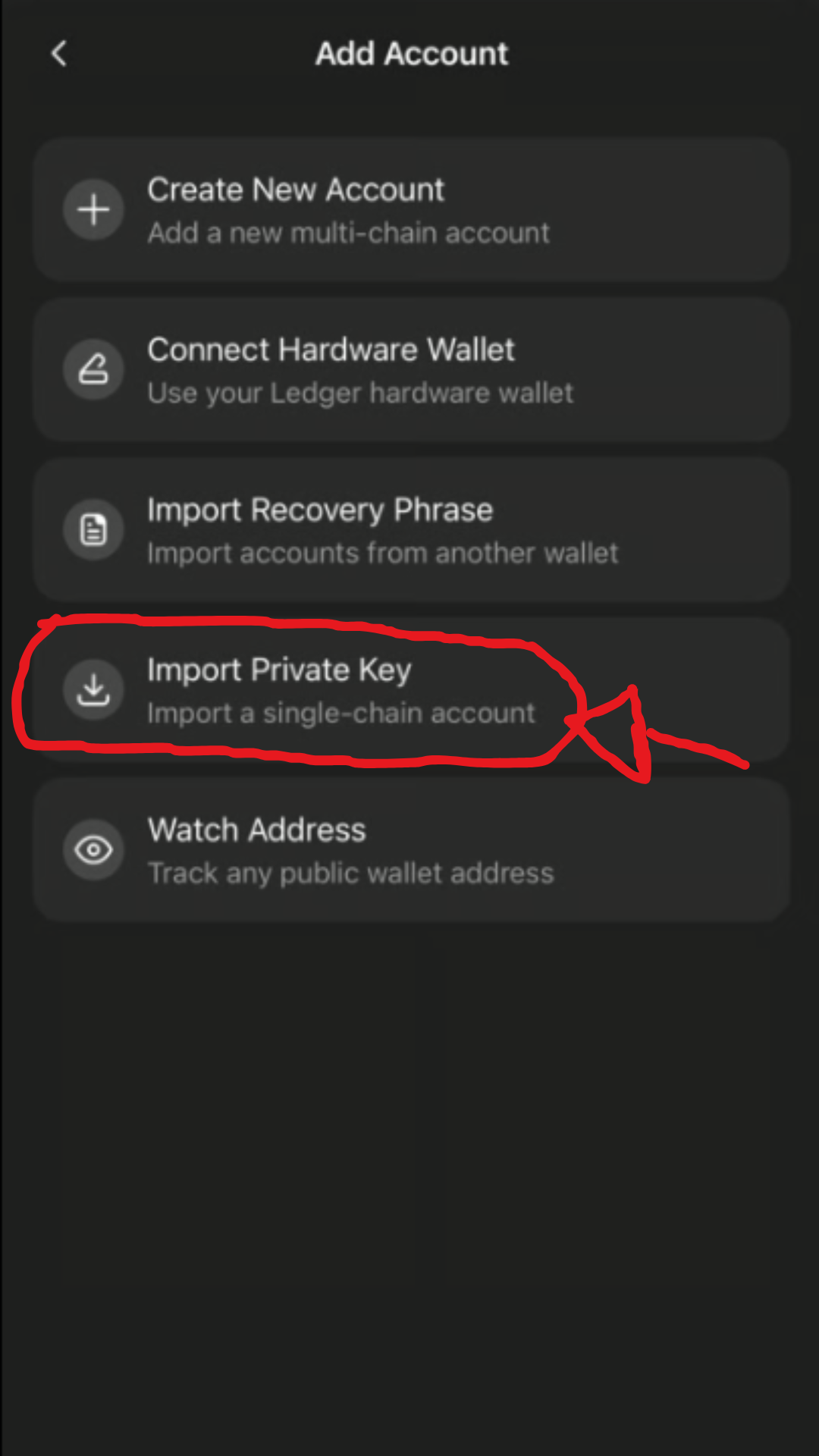
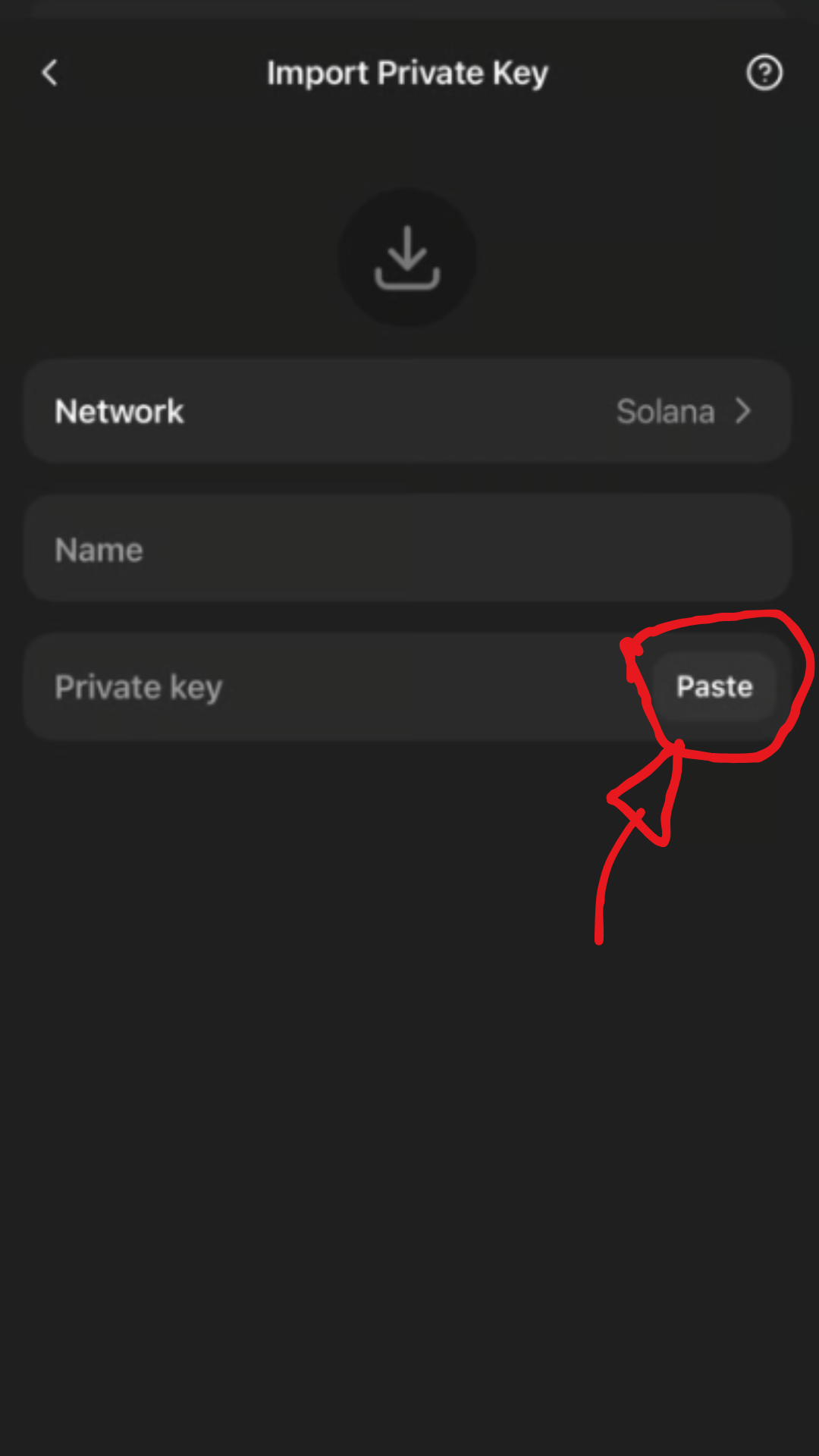
 1. Open your Phantom Wallet on your phone.
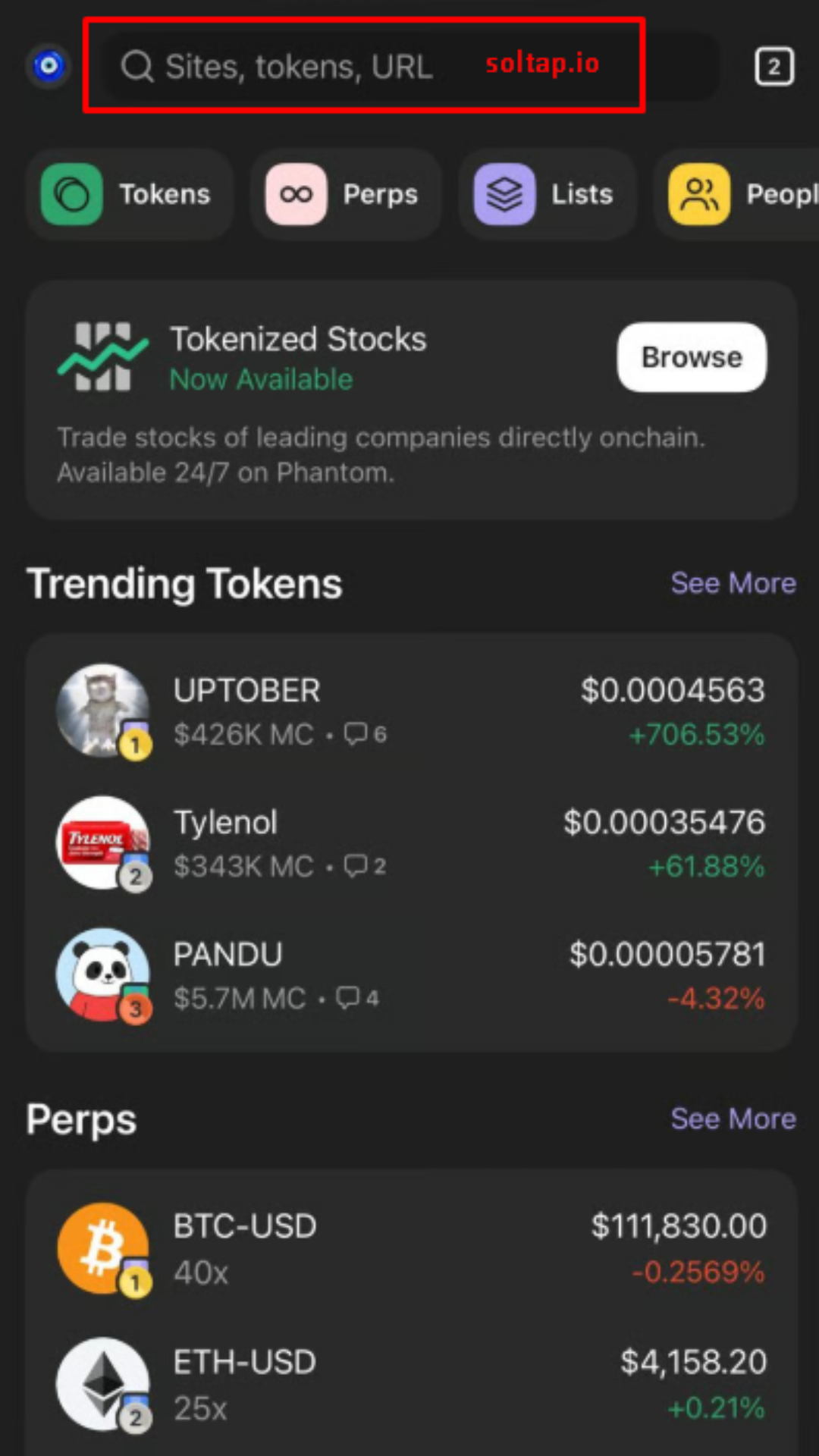
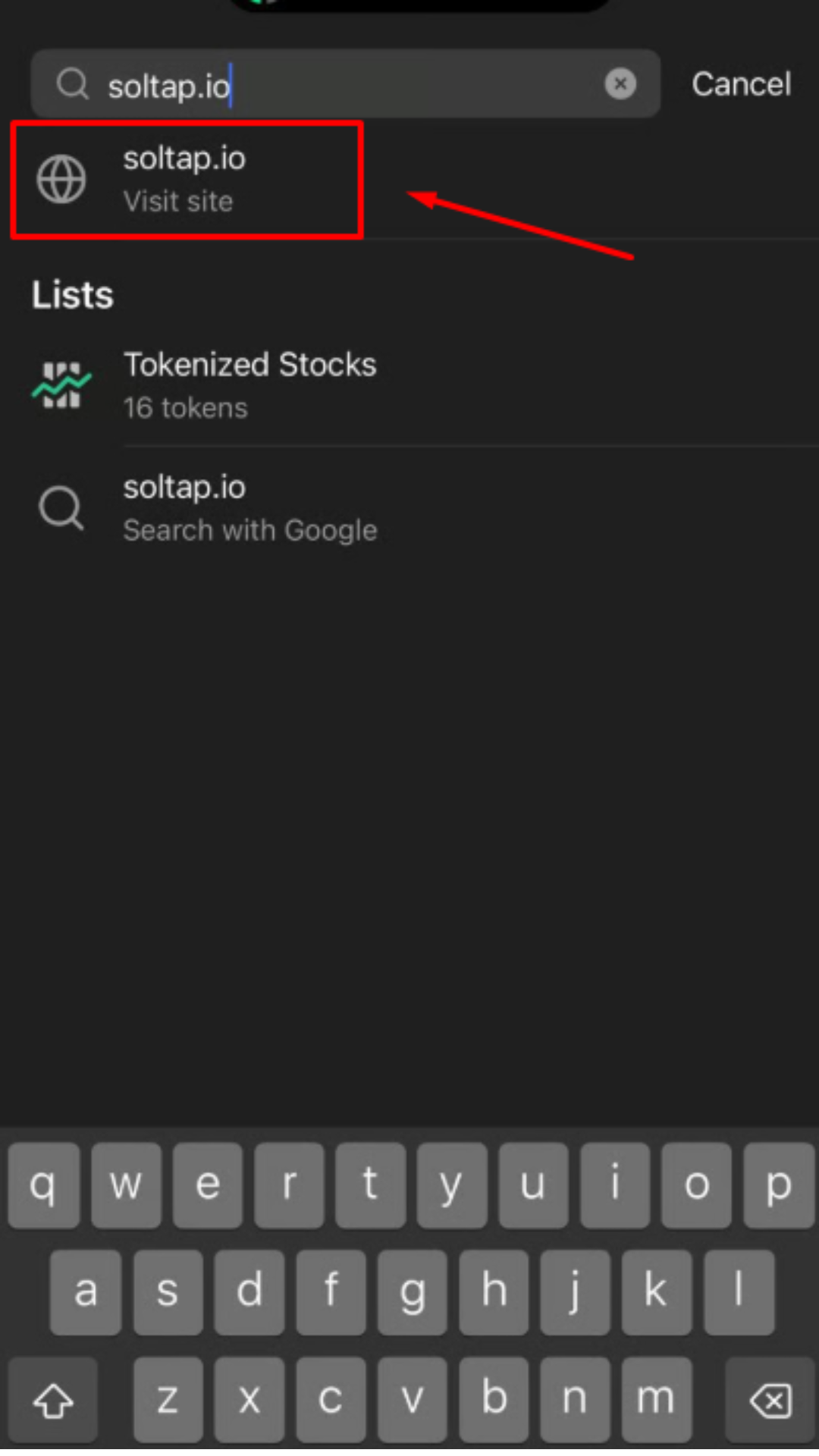
Click on browser icon -> Type soltap.io in the search box above -> Click on SolTap -> Connect Wallet.
1. Open your Phantom Wallet on your phone.
Click on browser icon -> Type soltap.io in the search box above -> Click on SolTap -> Connect Wallet.
Only verified tools can be indexed on Phantom Wallet!
 |  |  |  |
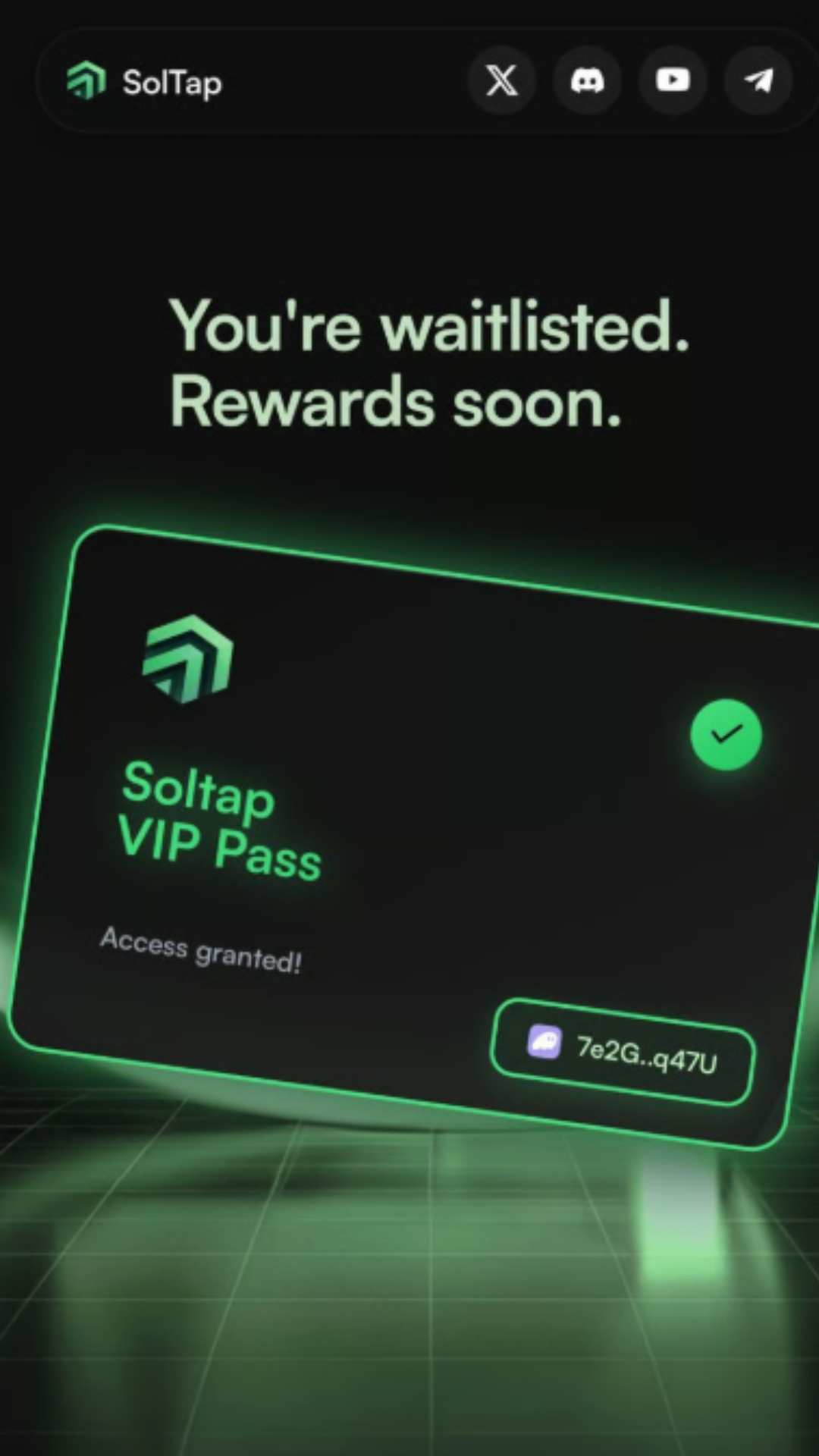
- Now we have successfully connected to the Phantom Wallet, and SolTap has automatically detected how much sol in the wallet can be claimed for you.
 |  |
 Don’t forget SolTap supports burning any unwanted tokens or NFTs and claim back the rent ($SOL).
Click on Burn Tokens -> Select unwanted tokens -> Claim -> Confirm.
Don’t forget SolTap supports burning any unwanted tokens or NFTs and claim back the rent ($SOL).
Click on Burn Tokens -> Select unwanted tokens -> Claim -> Confirm.